



CONDITION: New
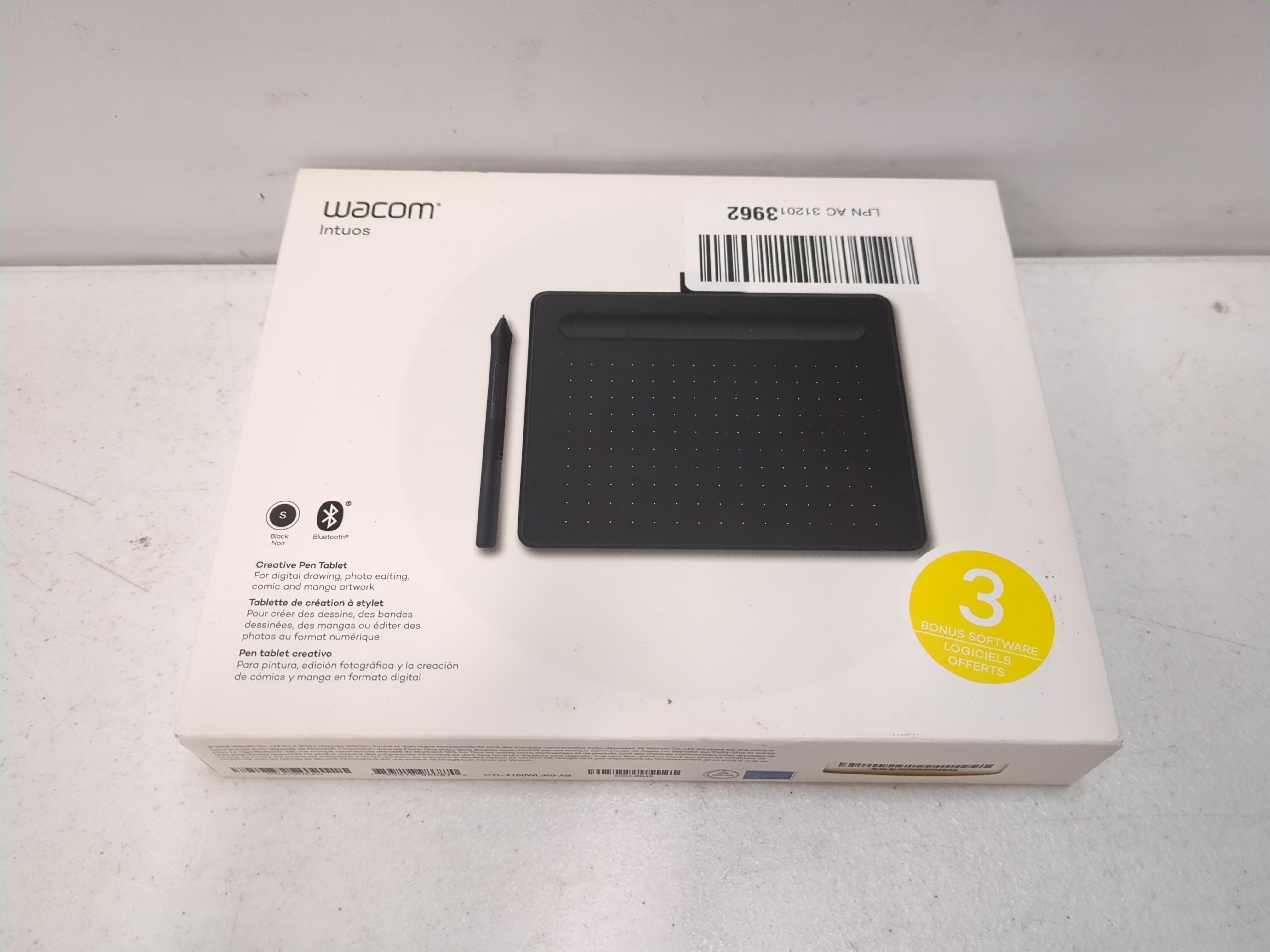
Item is brand new and factory sealed in original packaging. Contents have not been opened or used.
Returns Accepted
We accept returns under specific cicumstances.
See return policy for details
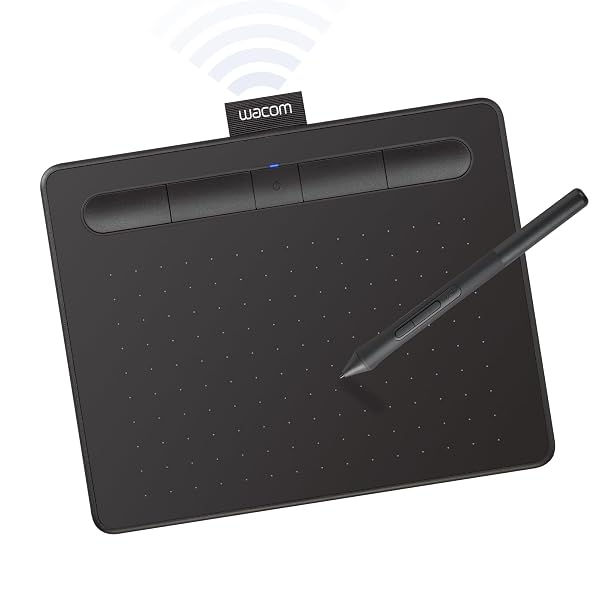
WACOM INTUOS SMALL BLUETOOTH GRAPHICS DRAWING TABLET, 4 CUSTOMIZABLE EXPRESSKEYS, PORTABLE FOR TEACHERS, STUDENTS AND CREATORS, COMPATIBLE WITH CHROMEBOOK MAC OS ANDROID AND WINDOWS – BLACK
WACOM INTUOS SMALL B... see more >
 New
New  Returns Accepted
Current Bid
$11.99
No bids yetCreate an account to place a bid
Already have an account? Log in here
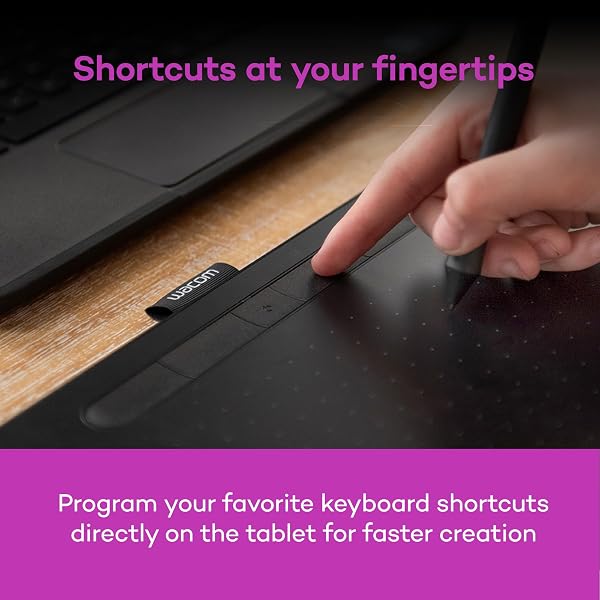
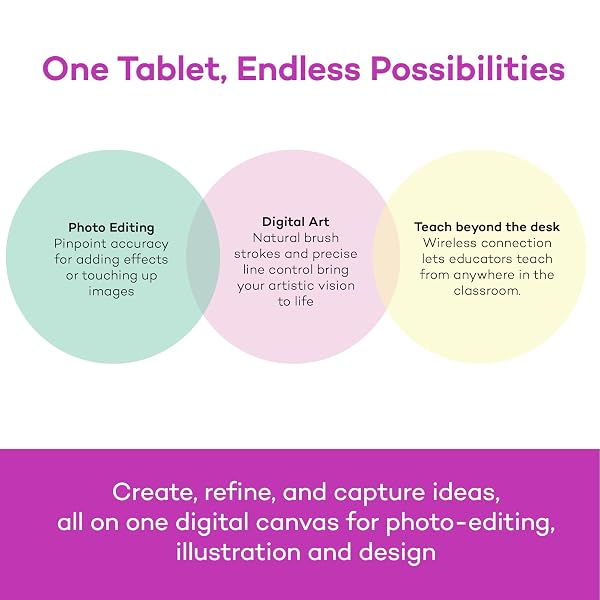
Wacom Intuos wireless pen tablet has been designed for those who are getting started drawing, painting or photo editing with their Mac, PC, Chromebook or select Android smartphones/tablets. Enjoy the convenience of wireless creating with built in Bluetooth - or connect the graphics tablet directly to your computer with the included USB-A cable. Whether it’s the pressure-sensitive pen, the stylish design, the included software or online tutorials, Wacom Intuos is all you need to get creative digitally. Wacom Intuos can also be used to easily write, edit or convey ideas to in education or remote work settings. This product works with devices capable of running the latest version of Chrome OS and has been certified to meet Google's compatibility standards. Google is not responsible for the operation of this product or its compliance with safety requirements. Chromebook, Android, and the Works With Chromebook badge are trademarks of Google LLC.
View more auctions

GOODNITES BOYS’ NIGHTTIME BEDWETTING UNDERWEAR, SIZE LARGE (68-95...
GOODNITES BOYS’ NIGHTTIME BEDWETTING...
RERCARRE NECK MASSAGER WITH HEAT FOR PAIN RELIEF...
RERCARRE NECK MASSAGER WITH...
LED DESK LAMP FOR OFFICE HOME, EYE-CARING ULTRA-LARGE...
LED DESK LAMP FOR...
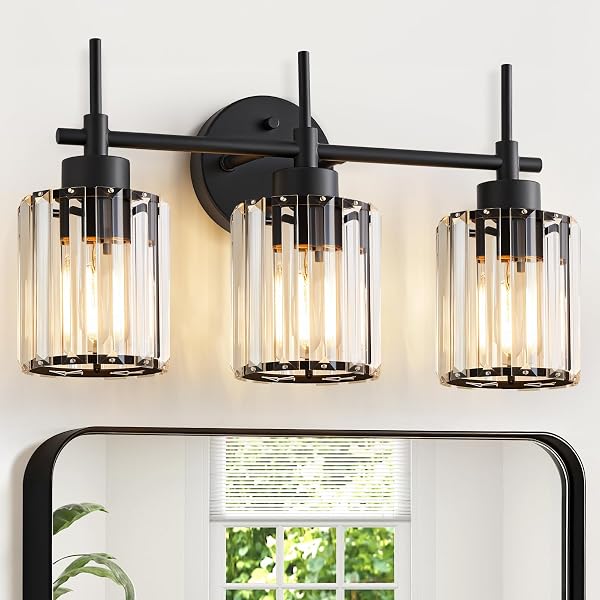
EJIAXIN 3 LIGHT BLACK CRYSTAL VANITY LIGHT, MODERN...
EJIAXIN 3 LIGHT BLACK...

ALANI NU COSMIC STARDUST SUGAR FREE, LOW CALORIE...
ALANI NU COSMIC STARDUST...

DANSIB 30 SET GENDER REVEAL GIFTS FOR GUESTS...
DANSIB 30 SET GENDER...

AVIEUS GRILL PREP AND SERVING TRAYS | SET...
AVIEUS GRILL PREP AND...

OMYU 42 INCH CEILING FANS WITH LIGHTS AND...
OMYU 42 INCH CEILING...
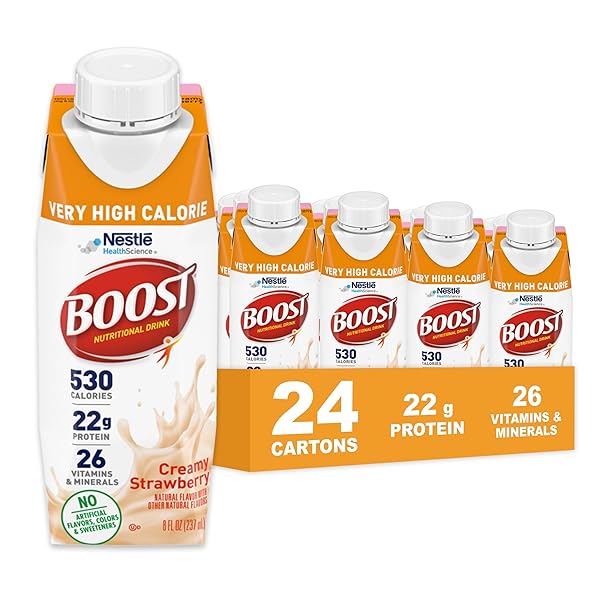
BOOST VERY HIGH CALORIE STRAWBERRY NUTRITIONAL DRINK –...
BOOST VERY HIGH CALORIE...

FRITO-LAY DORITOS & CHEETOS MIX (40 COUNT) VARIETY...
FRITO-LAY DORITOS & CHEETOS...
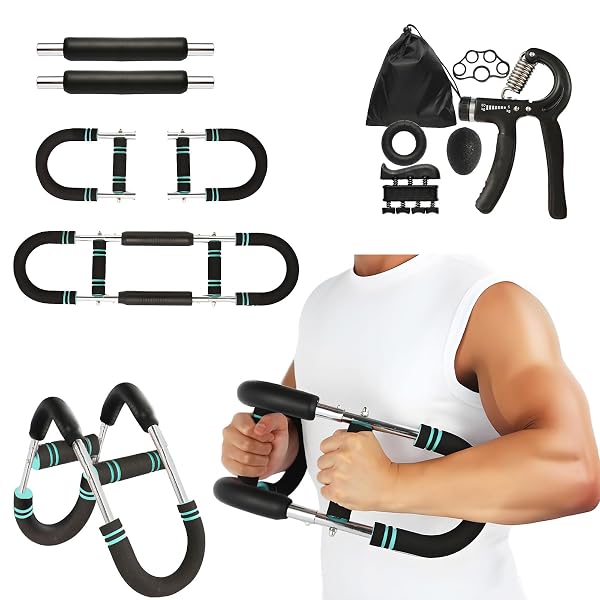
QONUTOCI TWISTER ARM TRAINER, 60-100LBS ADJUSTABLE ARM CHEST...
QONUTOCI TWISTER ARM TRAINER,...
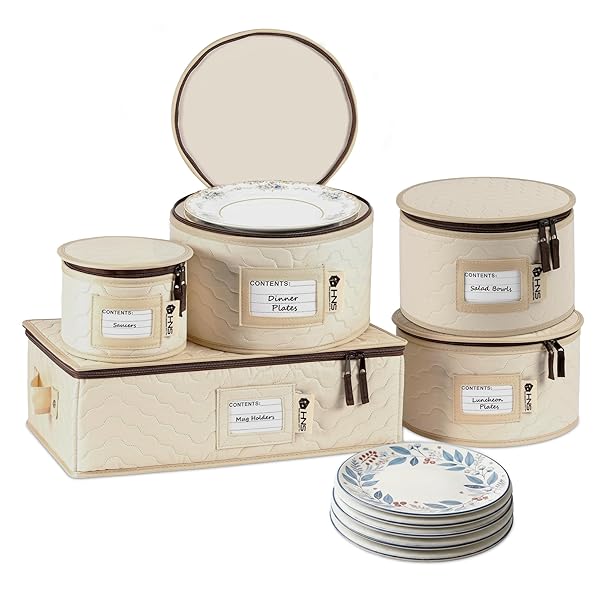
CHINA STORAGE HARD SHELL CONTAINERS 5-PIECE SET MOVING...
CHINA STORAGE HARD SHELL...
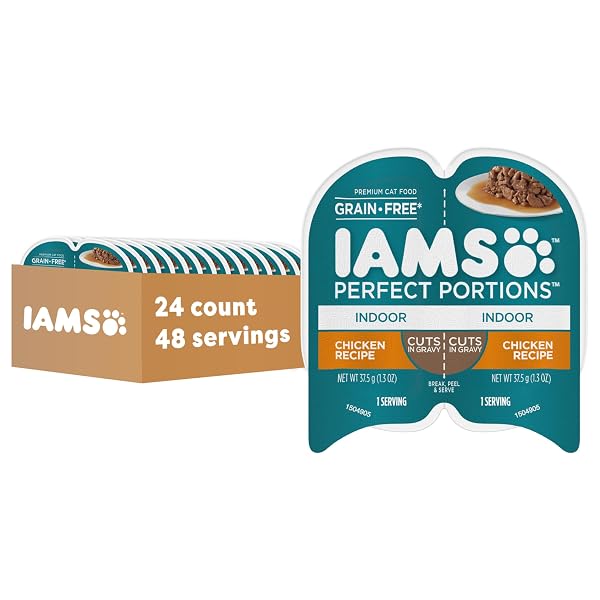
IAMS PERFECT PORTIONS GRAIN FREE WET CAT FOOD,...
IAMS PERFECT PORTIONS GRAIN...

SKINNYPOP POPCORN, ORIGINAL, WHOLE GRAIN, DAIRY-FREE SNACK, 0.65OZ...
SKINNYPOP POPCORN, ORIGINAL, WHOLE...
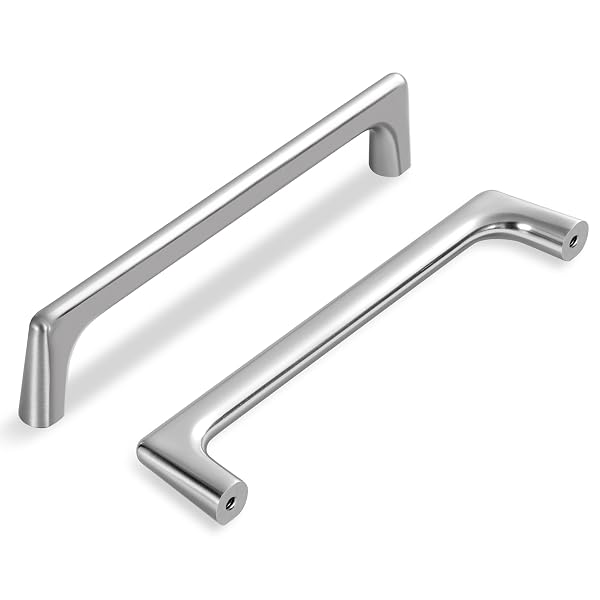
LARDMON 20 PACK BRUSHED SATIN NICKEL MODERN CABINET...
LARDMON 20 PACK BRUSHED...

AQUAPHOR HEALING OINTMENT ADVANCED THERAPY SKIN PROTECTANT, DRY...
AQUAPHOR HEALING OINTMENT ADVANCED...

SIMPLE MILLS ALMOND FLOUR BAKING MIX, CHOCOLATE CHIP...
SIMPLE MILLS ALMOND FLOUR...

JAFINOU 2-PACK 13” MATTE BLACK OUTDOOR WALL SCONCE,...
JAFINOU 2-PACK 13” MATTE...
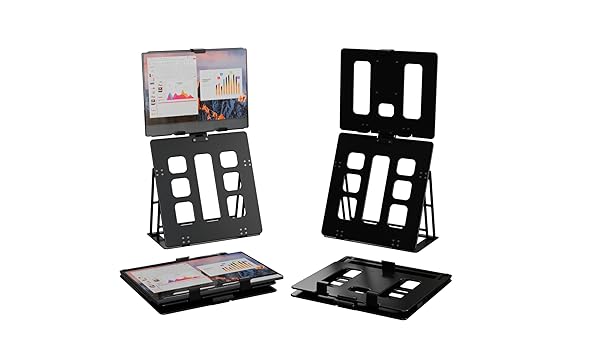
HNL PORTABLE MONITOR STAND, IPAD & TABLET HOLDER,...
HNL PORTABLE MONITOR STAND,...
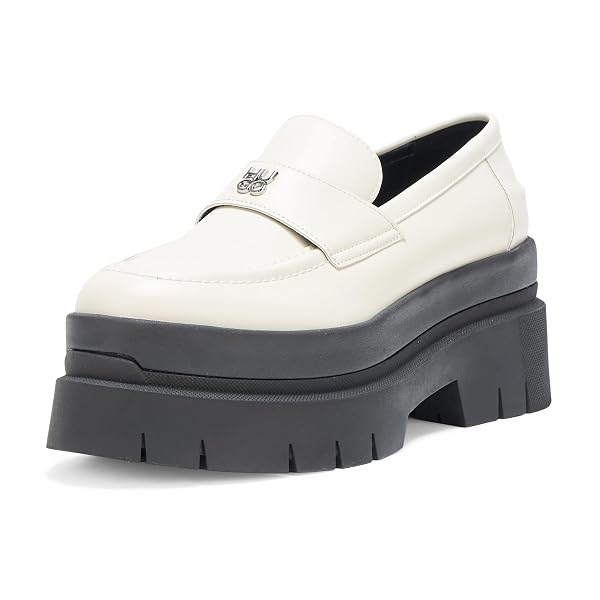
HUGO, KRIS CHUNKY PLATFORM LOAFERS, 10, OAT O...
HUGO, KRIS CHUNKY PLATFORM...
This product is excellent and offers straightforward installation. It performs flawlessly with Windows 11 and Adobe Photoshop, and I was also able to utilize it with my Samsung S26 Ultra cellular device, albeit without pen pressure functionality due to the absence of an Android driver. I highly recommend this product.
Awesome product. Very easy to set up and use!
I'm not going to talk about what a drawing tablet is for. Once you looked that up on the internet, you can consider this is a very reasononably priced tablet that many computer designers use. This one takes up little space on a desk and can be used both via USB-A cable or via BlueTooth wirelessly. One can buy inexpensive adapters that go from USB-A to USB-C if your computer does not have an older style USB-A port. The cable is important at least for charging it.Wacom has decades of experience and reputation and is considered the standard so just saying "wacom" is synonomous with "graphics tablet". They come in all sizes and much of what is the right size is often personal preference, how much one wants to spend and the space on a desk or your lap depending on how you work.In my field I am involved with buying and setting these up for designers so I don't come from the creative side.Working with a small tablet does not mean it equates to a small document. Tablets don't work exactly like that.BUT it can affect how you work on a large, detailed document all at once or only when zoomed in.Many designers who used to buy larger $350 units are happy with these as they take up less desk realestateThe wireless pen might be more limited in the levels it can detect than the pen that comes with much more expensive unit and that makes sense. A smaller tablet becomes problematic and I consider this size the sweet spot for most design uses.BONUS - Users with carpal tunnel syndrome or those that want to avoid getting it often like tablets as they avoid the repetitious movement that a mouse does if used for drawing.
-I got the Wacom Intuos Small (Bluetooth version) and it's a nice drawing tablet. Of course it's one of the more cheaper and introductory tablets but it does its job well. Writing on it feels nice and the small is good enough for me. I don't do digital art, I only use this for tutoring, writing down some notes, or annotating PDF's and it does great!-A COUPLE OF PROBLEMS THOUGH. Using it with Bluetooth causes it to be a little bit less responsive and your lines seem a little more jagged. Just enough to definitely feel and see it which bothers me a little. Not the worst thing ever but its okayyy. I just connect it to my Macbook with the cable it comes with and it is way more responsive and feels so much more smoother. I guess the Bluetooth just makes it a little more versatile in terms of its portability. Another thing is that when I was writing notes with it for three hours straight during my chemistry lecture, the pen got a little uncomfortable. It left a mark on my finger so for a long period of time you'll want to let your hand rest for a little. NOT the worst thing just, something to note of if you're going to be writing a lot with it. The pen comes with buttons but I just turned off the commands for it or whatever because I kept accidentally pressing them. Oh and the buttons on the actual tablet are good too. You can give them different functionalities depending on what you use more. Final thing is that this requires some practice and getting used to it. Is it called hand-eye coordination? You won't be looking at your hand to write so it'll feel weird in the beginning writing stuff down without looking down. Its good though, I don't have to constantly move my head up and down looking at my notes and the professor speaking.-You'd have to get an adaptor to connect it with the cable it comes with if you want to do so with a newer Macbook. I'm not sure if that's what they're called but my laptop only has USB C.I hope whoever reads this finds anything I said of use. I am happy with it. The good 100% outweighs the bad.
No issues with this at all, it works perfectly. I have been using it for my courses in college and it has made note-taking so much easier as somebody who does not have an iPad or other tablet I can draw on. It’s easy to connect, comfortable to use, and every student with a laptop should have one.
UPDATE: Finally found a fix, but it seems like the only way to fix this is to entirely remove the tablet from the first device? Otherwise the tablet will literally never again enter pairing mode, which... if I'm honest, is pretty insane. Even bluetooth earbuds will let you manually pair with a new device on the fly. Wacom's bluetooth tech is in the stone age here. That feature is a big part of why I bought this particular tablet instead of just sticking with the older wired one I already had, so that's a pretty big hit for me.That said, it's otherwise an excellent tablet. If you only need to use it with one device, or don't care that you have to entirely remove it from one device to pair with another, it might work just fine for your needs.
I got this for my son and he loves it.
Buenisima
My son enjoyed the drawing pad. All is well, thank you!
This product's performance is better than I expected. It's small size, slim body and sleek design took my heart. I will recommend this product for all the graphic designers who are looking for a pen tab.
- Chegou muito bem embalado, bem protegido e em perfeito estado.PONTOS POSITIVOS* Acabamento bonito, percebe-se que é um produto caprichado e bem fabricado/montado.* Conforto e praticidade em não se ter o cabo 100% do tempo é maravilhoso.* Zero perda de funcionalidade por ser bluetooth, funciona maravilhosamente bem como se fosse a cabo.* 3 pontinhas extras guardadas dentro da própria caneta.* Caneta não precisa de bateria.* Fácil instalação do driver e do aplicativo Wacom.* A duração da bateria tem boa autonomia, não desenho todos os dias, mas quando desenho, fico por horas e horas, com certeza mais de 3 ou 4 horas, em 1 semana fiz apenas 1 recarga, acredito que desenhei em 3 ou 4 dias essa semana.PONTOS NEGATIVOS (ou não, depende SE você achar negativo).>>>OBSERVAÇÃO: Talvez isso não aconteça com todo mundo, e acredito que comigo aconteceu por conta da minha outra mesinha que também era Wacom.* Tive um contratempo ao tentar registrar o produto para poder resgatar a licença do software que vem de cortesia por ter comprado um produto Wacom, ao entrar no aplicativo aparece uma notificação que leva direto para o site e fazer o registro, e não há nada que se possa fazer, o registro é totalmente automático bastando apenas esperar o processo acontecer, o problema é que a minha nunca registrava, e o registro aconteceu justamente quando desinstalei o driver e o aplicativo, sem chegar a reinstalar, como fiz a desinstalação depois de uma nova tentativa fracassada, no momento que desinstalou o site atualizou com a mensagem de registro bem sucedido. E por fim, reinstalei o driver e o aplicativo Wacom.* Mais como um aviso do que um ponto negativo na verdade, a primeira carga até 100% demorou bastante, foram algumas horas, mas a segunda já me pareceu bem rápida, e tinha descarregado até 10%.* Até certo nível de bateria, aparentemente a mesinha apresenta um leve delay, quando percebi que a bateria estava baixa conectei o cabo para carregar, voltou tudo ao normal, e quando completou a recarga e retirei cabo, tudo 100% também.
ممتاز بس تحتاج اليوتيوب عشان تعرف طريقة التشغيل، ولو ما تعرف انقليزي حتضيع
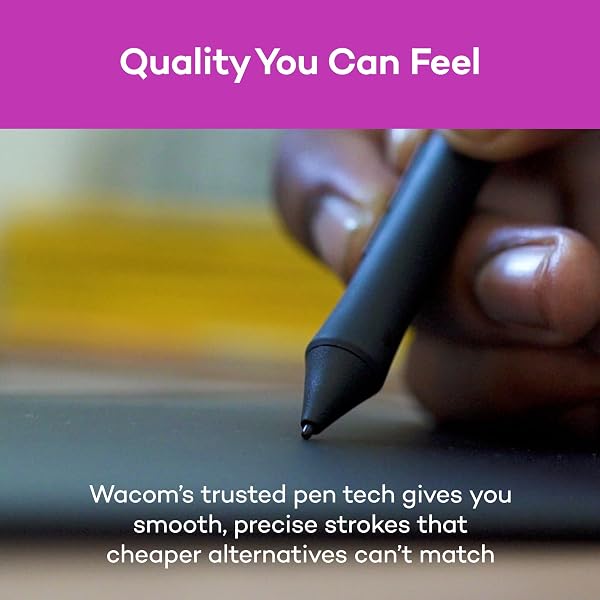
The Wacom Intuos Small Bluetooth Graphics Drawing Tablet is a solid choice for digital artists and designers seeking a portable and responsive tablet. Its compact size makes it easy to carry, and the Bluetooth connectivity allows for a clutter-free workspace. The tablet features four customizable ExpressKeys, enhancing workflow efficiency. The included Wacom Pen 4K offers 4,096 levels of pressure sensitivity, providing precise control for detailed work. It's compatible with various operating systems, including Windows, macOS, and certain Android devices, making it versatile for different users. Overall, it's a dependable tablet that delivers consistent performance for both beginners and experienced artists.
-
Brand
Wacom -
Connectivity Technology
Bluetooth, USB-A -
Pressure Sensitivity
4096 Levels -
Operating System
Compatibility with Windows 7 or later/macOS 10.10 or later/ChromeOS -
Special Feature
Bluetooth -
Model Name
Intuos S -
Built-In Media
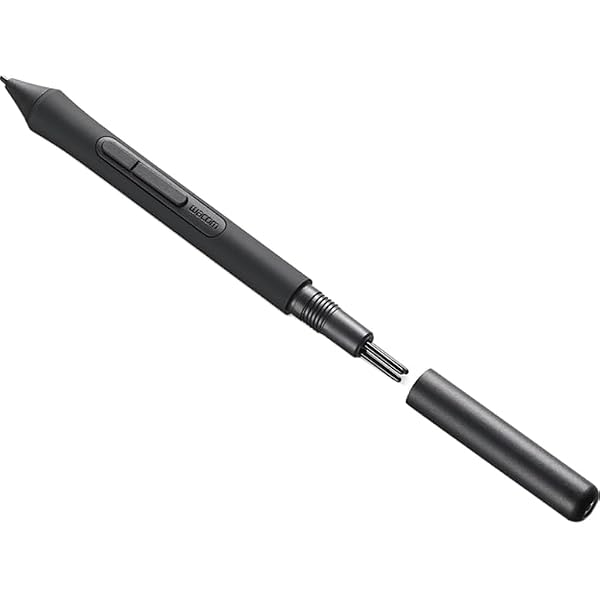
Pen tablet Small w/ BT Pressure-sensitive, battery-free Wacom Pen 4K PVC-free USB-A cable w ith cable tidy and L-shaped connector 3 extra standard nibs (located inside pen) nib removal tool on end of pen Quick start guide Regulation sheet Online User Guide and Important product information found in Wacom Desktop Center. -
Target Audience
Student, Teacher -
Model Number
CTL4100WLK0 -
Global Trade Identification Number
00753218986870 -
Manufacturer
Wacom Technology Corporation -
UPC
753218986870 -
Mfr Part Number
CTL4100WLK0 -
Warranty Description
1 year -
External Testing Certification
Não aplicável, Não aplicável -
Unit Count
1.0 Count -
Item Type Name
Wacom CTL4100WLK0 Intuos Bluetooth Pen Tablet, Small, Black -
Best Sellers Rank
#1 in Computer Graphics Tablets -
ASIN
B079J2FSQ7 -
Additional Features
Bluetooth -
Specific Uses For Product
Digital Art Creation, Photo Editing, Online Education, Writing, Designing, Note-taking, Remote Work -
Compatible Devices
Mac (OS X 10.11 or later) or PC (Windows 7 or later) -
Native Resolution
4096 levels -
Screen Size
7 Inches -
Item Weight
8.82 Ounces -
Item Dimensions L x W
6.3"L x 7.87"W -
Active Surface Area
6 inches x 3.7 inches -
Color
Black -
EU Spare Part Availability Duration
7 Years -
GTIN
753218986870 -
Recent Sales
500+ bought in past month
Buyer’s Premium
A 15% buyer’s premium will be added to the sale price of all purchases.
Store Auction Lots Condition
All items are uninspected and the condition is unknown unless otherwise explicitly stated. Items labeled as “New” are believed to be unused and in original manufacturer packaging; however, packaging may show signs of storage or handling, and items are not tested unless specifically noted. Individual items are available for inspection at Korting Outlet located at 159 1st Court, Grand Rapids, Michigan 49534 during store hours.
The highest bids serve as legally binding contracts, and all sales are considered final. Items are sold on an “as is” basis, without any guarantees, warranties, or the possibility of refunds, whether written, expressed, or implied. The operational condition of an item may not be known or listed in the item description. While we may provide information on the condition of some items, including items marked as “New,” such information is not guaranteed.
All items are sold with all faults and without any warranty, whether expressed or implied, regarding merchantability or fitness for a particular purpose. The sale is conducted on an “as is, where is” basis with all faults. Buyers are strongly encouraged to physically inspect items before placing bids during the inspection period. Once submitted, bids cannot be withdrawn before, during, or after the auction for any reason.
The buyer acknowledges that these terms, along with other terms outlined below, can only be amended or revised in writing, signed by the auctioneer. Any representations made by Korting or its agents do not alter these “as is, where is with all faults” terms. Descriptions provided on products or through advertising, including condition labels such as “New,” are not guaranteed, and buyers rely solely on their own inspection. While information in sale advertising is believed to be accurate, Korting assumes no responsibility for errors or omissions.
Auction Closing Times
Posted closing times are in Eastern Time and may be extended through dynamic bidding. Dynamic bidding extends the auction close time until there are five minutes without bidding activity. Korting reserves the right to close early or extend auctions at its discretion.
Payment
Payments will be processed through Stripe.
Refund Policy
Due to the nature of liquidation merchandise, returns are accepted only under the following circumstances:
- Wrong item received
- Major undisclosed damage that significantly affects functionality or value
- Item arrives nonfunctional or dead on arrival (unless listed as untested, for parts, or salvage)
- Missing critical components necessary for basic operation that were not disclosed in the listing
- Counterfeit items or items materially different from the listing description
The following conditions are not eligible for return or refund:
- Buyer’s remorse or accidental purchases
- Minor cosmetic wear, scratches, dents, scuffs, or signs of prior handling
- Damaged, worn, or missing retail packaging
- Compatibility issues with buyer equipment, software, or intended use
- Missing non-essential accessories, manuals, inserts, cables, or packaging materials unless specifically stated in the listing
All return requests must be submitted within 72 hours of delivery and include clear photos and/or video documentation of the issue. We reserve the right to deny returns that do not meet the above criteria.
Sales Tax
All orders are subject to the 6% Michigan sales tax. Tax-exempt buyers must have a current tax-exempt certificate on file before sales tax can be removed from an invoice.
Failure to Pay or Remove Items
Korting reserves the right to charge a 15% non-refundable restocking fee for items not paid for and picked up within seven days of the auction closing. Such items will be considered abandoned and forfeited to Korting. Korting may resell any abandoned or forfeited items.